Error Codes in Seva Sindhu Portal: Solutions
Error Codes in Seva Sindhu Portal: Solutions
If you’ve encountered error codes while using the Seva Sindhu portal, you’re not alone. Many users face these challenges, but the good news is that most issues have straightforward solutions. Let’s walk through some common error codes and how to resolve them.
MOBILE_NOT_VERIFIED
What It Means: The portal hasn’t verified your mobile number yet.
Quick Fix: Try registering during off-peak hours, like early morning or late evening, when server traffic is lower. Alternatively, use the WhatsApp bot by sending “GETOTP” to 8147500500.
OTP_NOT_RECEIVED
What It Means: The One-Time Password (OTP) didn’t reach your phone.
Quick Fix: Ensure your mobile number is linked to your Aadhaar. If it’s not, update it at an Aadhaar Seva Kendra. You can also request the OTP via WhatsApp by sending “GETOTP” to 8147500500.
RC_VERIFICATION_FAIL
What It Means: The ration card number doesn’t match the Public Distribution System (PDS) records.
Quick Fix: Verify the ration card prefix (e.g., KA, EDB, ADB). If correct, update your ration card details at the Taluk Food Office and retry after 24 hours. You can also read : Fixing Gruha Jyothi Form Submission Issues on Seva Sindhu
AHL_GENDER_MISMATCH
What It Means: The gender on your Aadhaar doesn’t match the one on your ration card.
Quick Fix: Update your gender details either on your Aadhaar at an Aadhaar Seva Kendra or on your ration card at the Food Department. Both must match for successful verification.
BENEFICIARY_ALREADY_MAPPED
What It Means: Someone else on your ration card has already claimed the scheme.
Quick Fix: Only one woman per household can enroll. If needed, update the “Head of Family” details on your ration card at the Food Department.
DBT_FAIL_AADHAAR_INACTIVE
What It Means: Your bank hasn’t linked your Aadhaar in the National Payments Corporation of India (NPCI) mapper, causing payment failures.
Quick Fix: Visit your bank branch to re-seed your Aadhaar. Afterward, send an SMS saying “Aadhaar seeding done” to 8247480500. Payments will be re-credited in the next batch.
INVALID_CAPTCHA
What It Means: The CAPTCHA token expired or was blocked by an extension.
Quick Fix: Hard-refresh the page by pressing Ctrl+Shift+R or disable any ad-blockers. Some users have reported better results during off-peak hours.
SESSION_EXPIRED
What It Means: You’ve been inactive for more than 15 minutes or have multiple tabs open.
Quick Fix: Log out, close extra tabs, and log back in. Seva Sindhu terminates idle sessions for security reasons.
SERVICE_NOT_AVAILABLE
What It Means: The service is under maintenance or the server is overloaded.
Quick Fix: Access the lighter mirror site after 11 PM to avoid server overload.
DOCUMENT_SIZE_EXCEED
What It Means: Uploaded documents exceed the size limit.
Quick Fix: Compress images or scan PDFs at 150 dpi to reduce file size.
HOW TO CHECK ERROR DETAILS
What It Means: You might be unaware of the exact nature of the error you’re encountering.
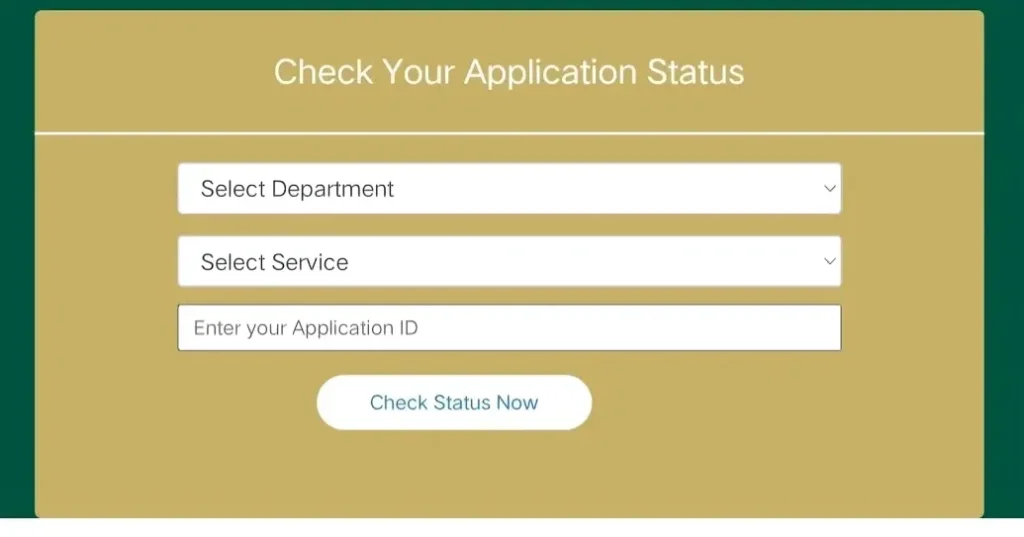
Quick Fix: Always check for error messages or codes in the notification area or email after submitting your form. These messages often provide details that help with resolving the issue. If needed, you can also check the Seva Sindhu portal’s FAQ section for more information about specific errors.
HOW TO RE-APPLY AFTER ERROR FIX
What It Means: After fixing an error, you might need to resubmit your application.
Quick Fix: Once you’ve resolved the issue, log in to the Seva Sindhu portal, fill in the necessary details again, and submit the form. Double-check the application before submitting to ensure no errors are carried over.
Final Tips
1
Apply During Off-Peak Hours: Accessing the portal during early morning or late evening hours can reduce the chances of encountering issues.
2
Use a Stable Internet Connection: A reliable internet connection can prevent disruptions during the application process.
3
Keep Documents Ready: Ensure you have all necessary documents, such as your Aadhaar card, ration card, and bank account details, handy before starting the application process.
FAQs
Final Thoughts
By understanding the common error codes on the Seva Sindhu portal and following the solutions provided, you can troubleshoot and resolve most issues with ease. Whether it’s a small CAPTCHA error or more complex problems like document size issues, the steps to fix them are simple. If the issue persists, don’t hesitate to contact customer support for further assistance. Good luck with your application, and don’t let these common errors hold you back!