How to Apply for Caste Certificate on the Seva Sindhu Portal

If you’re in Karnataka and need a caste certificate, using the Seva Sindhu Portal is one of the easiest ways. I’ll walk you through it step by step, in simple language, as if I’m telling a friend. At the end, you’ll be ready to apply without stress.

Why Use Seva Sindhu for Your Caste Certificate

  • No need to queue at the office for hours — you can apply from home.
  • You can track your application online.
  • Downloading or collecting the certificate becomes faster once approved.

What You’ll Need Before Starting

  • Your Aadhaar number or valid ID proof.
  • Mobile number linked with Aadhaar (for OTPs).
  • Scanned copies or good photos of required documents such as address proof, old certificate (if renewing).
  • Email address (to receive updates) and internet access.

Step‑by‑Step: How to Apply

  • Log in to Seva Sindhu PortalVisit the portal, sign in using your credentials or register if you haven’t yet.
  • Go to “Apply for Service”After login, locate the menu item for services or “Apply for Service”
  • Select the Department & Service
    Choose Revenue Department (since the caste certificate falls under this). Then pick Caste Certificate service
  • Fill Out the Application Form
    Enter your personal details (name, father/mother’s name, address, caste category). Upload the required documents: address proof, identity proof, old certificate if applicable
  • Pay the Fee (if applicable)
    Some categories might require a small fee. If prompted, complete payment online
  • Submit the ApplicationAfter verifying all details are correct, submit your form. Note down the reference number given — you’ll need it to track the status
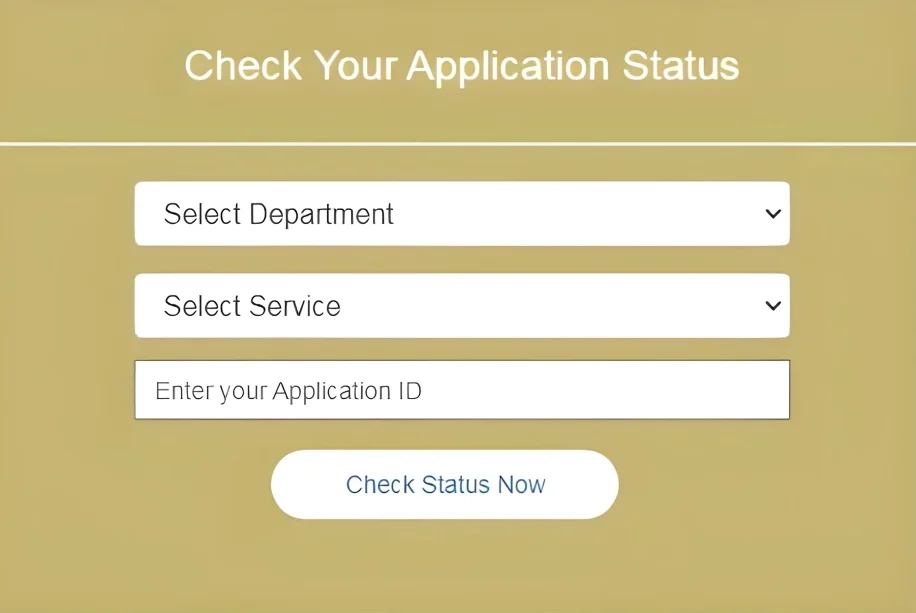
  • Track & DownloadUse the reference number to check the status of your application. Once approved, download or collect your caste certificate You can also read : How to Register on Seva Sindhu Portal for First Time

Tips for a Smooth Application

1

Double‑check all details (especially caste category, names, address) — mistakes will delay approval.

2

Upload clear and readable documents — blurry scans or photos get rejected.

3

If the portal is slow or showing errors, try using a different browser or apply early in the morning.

4

Keep your reference number safe — you may need to use it later.

5

If you face an error or the status doesn’t update for a long time, contact the support or department.

FAQs

Usually, Aadhaar‑linked mobile number is required for Seva Sindhu login/OTP, but check if your district offers an alternate login.

You can apply for a renewal or new version via Seva Sindhu by selecting the right option and uploading your old certificate.

Normally a few days, but times vary by district and backlog. If it’s taking too long, check your status and follow up.

Yes, once approved, the portal usually sends notification via registered mobile/email.

The portal should show a reason for rejection. You can correct the error (wrong document, mis‑category, wrong details) and submit again

Final Thoughts

Getting a caste certificate using Seva Sindhu is much easier than traditional methods. Just prepare your documents, fill out the form carefully, and track your application online. You’ll save time and avoid travel. If you hit any bumps, let me know, and I can help you fix it step by step.

Similar Posts

Leave a Reply

Your email address will not be published. Required fields are marked *