Seva Sindhu Portal: How to Apply for Social Welfare Schemes
If you live in Karnataka and you’re looking to apply for a social welfare or government scheme (such as allowances, subsidies or benefit programmes), you can often do it through the Seva Sindhu Portal. This means fewer trips, less paperwork and more convenience. In this article I’ll walk you through how to apply for a welfare scheme step‑by‑step, what you’ll need, and what to watch out for to avoid delays or issues.
What is the Seva Sindhu Portal?
The Seva Sindhu Portal is an online platform by the Government of Karnataka that helps citizens apply for a variety of services, track the status of their applications, and download certificates. It simplifies the process of obtaining essential documents like income certificates, caste certificates, birth and death certificates, and more.
Once your application is approved, you can conveniently download your certificate directly from the portal.
Step-by-Step: How to Apply for a Social Welfare Scheme
Here’s how you can apply:
Prepare your credentials / register on the portal
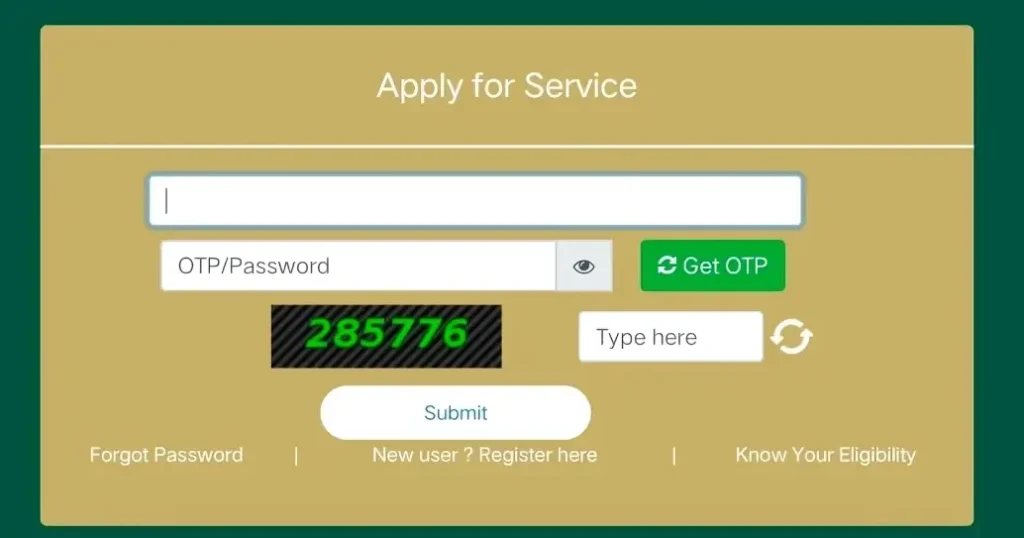
If you are a first‑time user, register on the Seva Sindhu Portal using your Aadhaar, mobile number and the required details. Otherwise, log in with your user ID and password.
Locate the relevant scheme
After logging in, browse the portal’s menu or “Services / Schemes” section. Look for the social welfare scheme you’re eligible for (for example: free electricity households, women’s allowance schemes, youth unemployment support).
Check eligibility & gather documents
Before applying, verify that you meet the scheme’s eligibility criteria (residency, income limits, Aadhaar link, etc.). Gather the necessary documents—these might include your Aadhaar card, income certificate, bank account details, proof of address, or specialty documents depending on the scheme.
Fill out the application form
Click on “Apply Online” for your chosen scheme. Fill in personal details, upload scanned copies of required documents, choose your bank account for benefit transfer, etc. Make sure everything is accurate before submitting.
Submit and get acknowledgement
After you submit, you’ll receive an acknowledgement number or application ID. Save this—it will help you track your application later.
Track your application status
Using the application ID, you can check the status (pending, approved, rejected) in the portal’s “Track Application Status” section. This helps you know what stage your application is in.
Follow up if needed
If the scheme requires additional verification (field verification, documents review), stay responsive. If there’s an error or missing document, fix it quickly to avoid delays.
Useful Tips & What to Watch Out For
FAQs
Final Thoughts
Applying for social welfare schemes through the Seva Sindhu Portal may seem a bit daunting at first, but once you follow the steps we covered, it becomes quite manageable. Think of it like ordering something online—log in, fill the form, submit, and track. If you encounter issues, don’t panic—just follow the tips, and use your acknowledgement number to track progress.
If you want, I can prepare a printable checklist you can keep as a reference whenever you apply for a scheme. Would you like me to prepare that for you?