How to Track Your Application Status on Seva Sindhu
Once you’ve registered and applied for a service through the Seva Sindhu portal, you may want to check the status of your application to see if it has been processed or approved. Fortunately, the Seva Sindhu portal makes this easy to do online. In this guide, I’ll show you exactly how to track your application status step-by-step.


Why Tracking Your Application Status is Important
Step-by-Step: How to Track Your Application Status
Open the Seva Sindhu Portal
First, visit the official Seva Sindhu portal on your web browser (mobile or laptop). The link is:
sevasindhuservices.karnataka.gov.in
Log In to Your Account
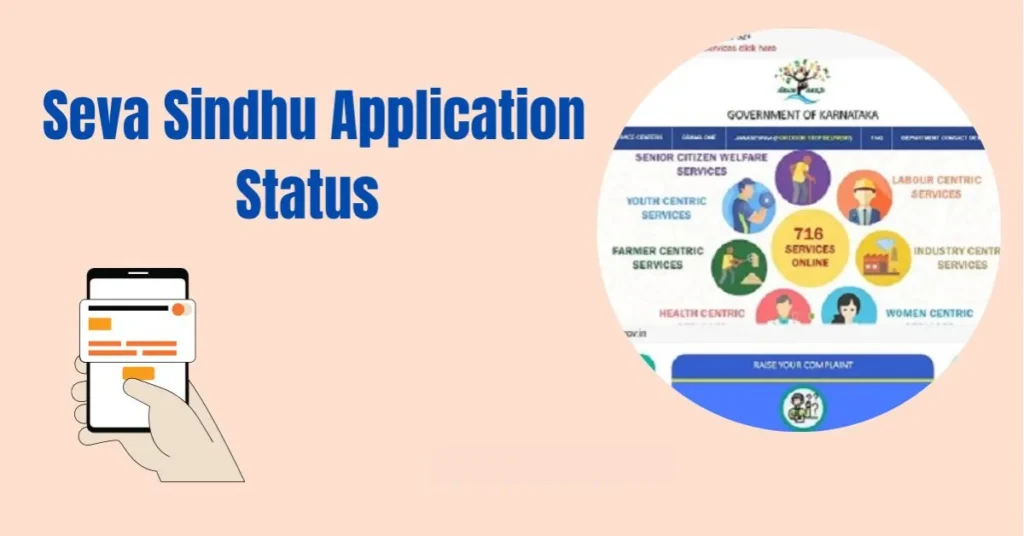
To track your application status, you need to be logged in to your account. Enter your Aadhaar-linked mobile number or email ID and password. Alternatively, you can log in using OTP if you prefer.
Navigate to “Track Application” Section
Once logged in, look for the “Track Application” or “Application Status” link on the homepage or in the main menu. This will lead you to the page where you can track your application.
Enter Your Application Details
On the “Track Application” page: Enter the Application ID or Reference Number (you received this when you submitted the application). In some cases, you may also need to enter your Aadhaar number or other related details.Click Submit to proceed. You can also read: Seva Sindhu 2025: New Features and Updates
Check Your Application Status
After submitting your application details, the portal will display your current application status.You will see whether your application is approved, pending, or rejected. If further action is required, you may be prompted with instructions on how to proceed.
Tips for a Smooth Tracking Experience
FAQs
Unable to Find Application Status
Make sure you’ve entered the correct Application ID or reference number.
• Double-check your login details. If there’s an issue, try resetting your password
No Updates or Status Shows “Pending”
Sometimes, applications take longer than expected to process.
• If it’s taking too long, contact the Seva Sindhu help desk for clarification
Error in Application Status
• If the status shows an error or doesn’t match your expectations, you may need to recheck your submitted documents or contact the relevant department.
FAQs
Final Thoughts
Tracking your Seva Sindhu application status is easy and can be done in a few simple steps. It helps you stay on top of your application’s progress and ensures you don’t miss any important updates. Follow this guide whenever you need to check your application, and remember to keep your Application ID handy for easy access.