Seva Sindhu Pending Applications: Troubleshooting Tips
Applying for services through the Seva Sindhu portal is a great way to access government schemes, certificates, and other public services. However, at times, you might encounter an issue where your application status shows as pending for an extended period. This can be frustrating, but don’t worry — in this guide, we’ll walk you through common reasons for pending applications and share effective troubleshooting tips to resolve the issue.

Why Does My Seva Sindhu Application Show as Pending?
There are several reasons why an application might show as pending in Seva Sindhu:
1
Incomplete Information: Missing or incorrect details in the application form can cause delays in processing.
2
Document Verification: Applications that require additional verification, such as document validation or cross-checking with other databases, can take longer.
3
System Delays: Sometimes, due to high traffic or technical issues, the system may not update your application status promptly.
4
Pending Payment: If your application requires a fee or payment for processing, the status may remain pending until the payment is completed.
Understanding these common reasons can help you identify the root cause and take appropriate steps to resolve it. You can also read: Escalate Seva Sindhu Issues: Contact Info & Steps
Troubleshooting Tips for Pending Applications
If your Seva Sindhu application is stuck in the “pending” status, here are some troubleshooting tips you can follow:
Double-Check Your Application Information
Problem: If you have entered incomplete or incorrect information (like an incorrect phone number, missing documents, or typos in your name), it may cause delays.
Solution:
1
Log in to your Seva Sindhu account and review the details you submitted.
2
Verify all fields carefully, such as personal information, income proofs, or other required documents.
3
Make necessary corrections and submit them if allowed, or contact the relevant department if changes are needed after submission.
Ensure All Required Documents Are Uploaded
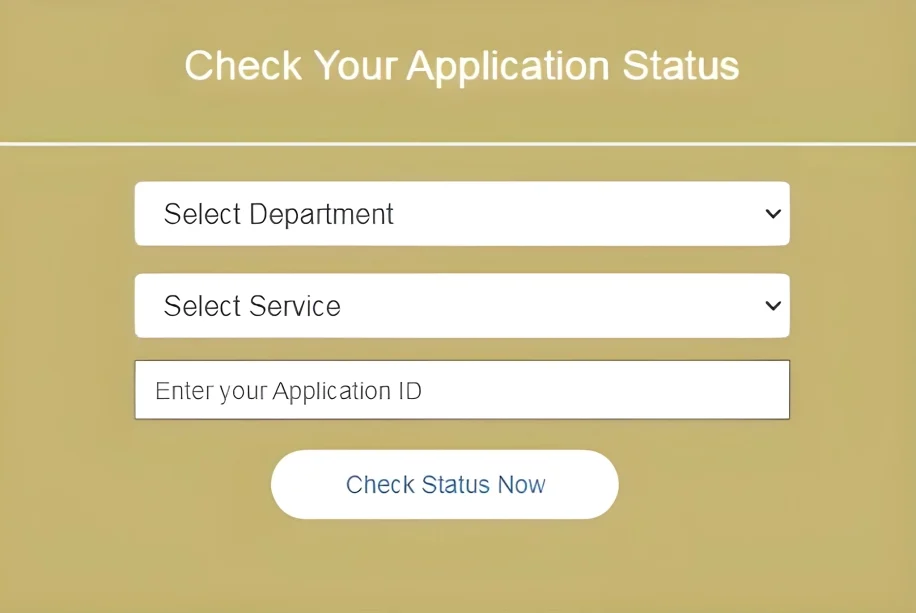
Problem: Missing or unclear documents can hold up the application process. For instance, your income certificate, Aadhaar card, or proof of residence may not have been uploaded correctly.
Solution:
Clear Your Browser Cache and Cookies
Problem: If your browser is caching old data, it might not reflect the latest updates, leading to a status that appears stuck in the pending phase.
Solution:
Check Payment Status
Problem: Some services on Seva Sindhu require a payment for processing. If the payment is pending or incomplete, your application may remain stuck in the pending status.
Solution:
Contact Seva Sindhu Support
Problem: Sometimes, technical glitches or backend issues cause delays in processing applications, and the status may stay pending longer than expected.
Solution:
Check for Department-Specific Delays
Problem: Some applications, especially those requiring government verification (such as welfare schemes, subsidies, etc.), may be delayed due to departmental backlogs.
Solution:
1
Wait patiently — some departments have longer processing times than others.
2
Track your application status regularly to see if there’s any update.
3
If the delay exceeds the expected processing time, contact the department directly to inquire about the status.
Verify Eligibility Criteria
Problem: If you don’t meet the eligibility requirements for the scheme you applied for, your application may be placed on hold.
Solution:
What to Do if Pending Status Persists?
If none of the above steps resolve the issue and your application remains pending for an extended period:
FAQs
Final Thoughts
Dealing with a pending application can be frustrating, but by following the troubleshooting tips outlined above, you can identify and resolve the issue quickly. Whether it’s checking your documents, payment status, or simply contacting support, staying proactive will help speed up the processing of your Seva Sindhu application.
Remember, patience is key — many issues are resolved with a little time and attention. If you follow these steps and stay informed, your application should move forward without delay.