Seva Sindhu Portal: Solving Common Application Issues
Seva Sindhu has made accessing government services in Karnataka easier than ever before. However, like with any online portal, users may face certain issues when applying for services. Whether it’s a missing application or technical glitches, these issues can cause frustration. In this guide, we’ll walk you through some of the most common problems users face on Seva Sindhu and how to fix them quickly.

Why This Matters
While Seva Sindhu provides a convenient way to apply for certificates, welfare schemes, and other government services, common issues can delay or even stop your application. Solving these issues quickly helps you save time and ensures that you don’t have to visit government offices.
Real-Life Example
Let’s say your cousin applied for a caste certificate on Seva Sindhu, but when he checked the status, it said “application pending” for weeks. He was worried and thought he had made an error. By following the tips below, he was able to track the issue and get the certificate on time. That’s the power of solving problems using the right steps. You can also read: How Seva Sindhu Improves Data Security in 2025
Common Seva Sindhu Application Issues and How to Fix Them
1. OTP Not Received
This is one of the most common issues users face when registering or logging in.
How to Fix It:
Form Not Submitting
Many users report that after filling out the form, clicking Submit doesn’t work, and the page reloads without processing the application.
How to Fix It:
Double-Check All Fields: Ensure all mandatory fields are filled correctly, especially email and mobile number.
Check for Browser Compatibility: Use Google Chrome or Firefox for better performance. Sometimes, the browser may cause errors in form submission.
Clear Cookies/Cache: Old data can cause issues. Clear your browser’s cache and try submitting the form again.
“Application Pending” for a Long Time
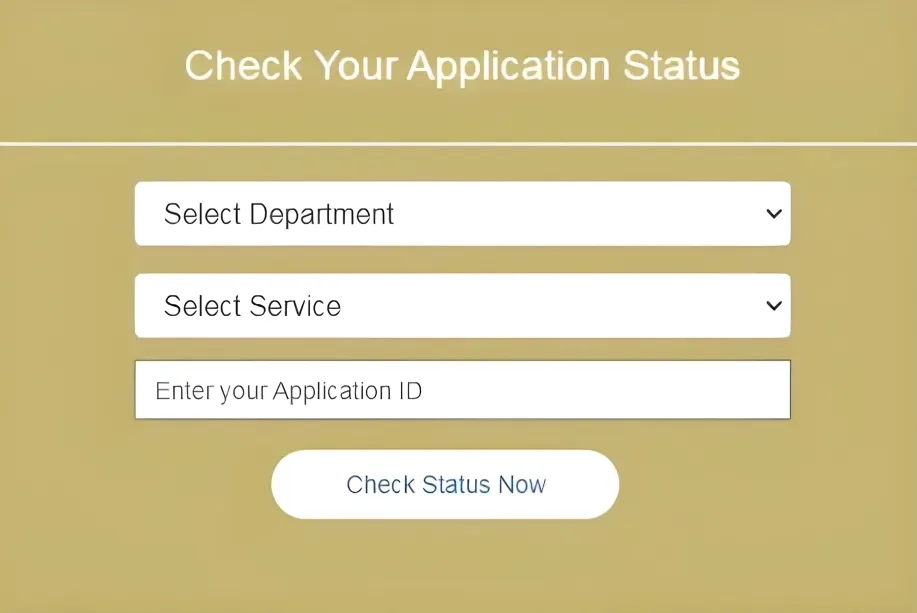
After submitting your application, if the status says “pending” for a long time, it can be frustrating.
How to Fix It:
Check Application Details: Make sure you’ve provided all required documents. Sometimes, missing documents can cause delays.
Contact Support: If your application status doesn’t change within the expected timeframe, contact the Seva Sindhu help desk to inquire about your application’s progress.
Track Your Application: Use the application ID to check for updates regularly. Sometimes, delays are due to backlogs in the system.
“Document Not Found” Error
This issue occurs when the portal shows a “document not found” error after you’ve submitted your application and documents.
How to Fix It:
Application Rejected
In case your application is rejected, it can be confusing. There might be multiple reasons for this.
How to Fix It:
Check for Errors: Look for any errors in your details — like spelling mistakes in your name, wrong date of birth, or incorrect document submission.
Review Rejection Reason: The portal usually provides a reason for rejection. Use this information to make corrections.
Reapply: If necessary, correct the errors and reapply. Some services allow you to resubmit your application after making changes.
Tips for Solving Seva Sindhu Issues
FAQs
Final Thoughts
Seva Sindhu is a great tool that simplifies applying for various government services in Karnataka. However, as with any online system, you might encounter issues along the way. The good news is that most issues are easy to solve with the right steps. By following this guide, you can fix common problems and keep your application process smooth and hassle-free.